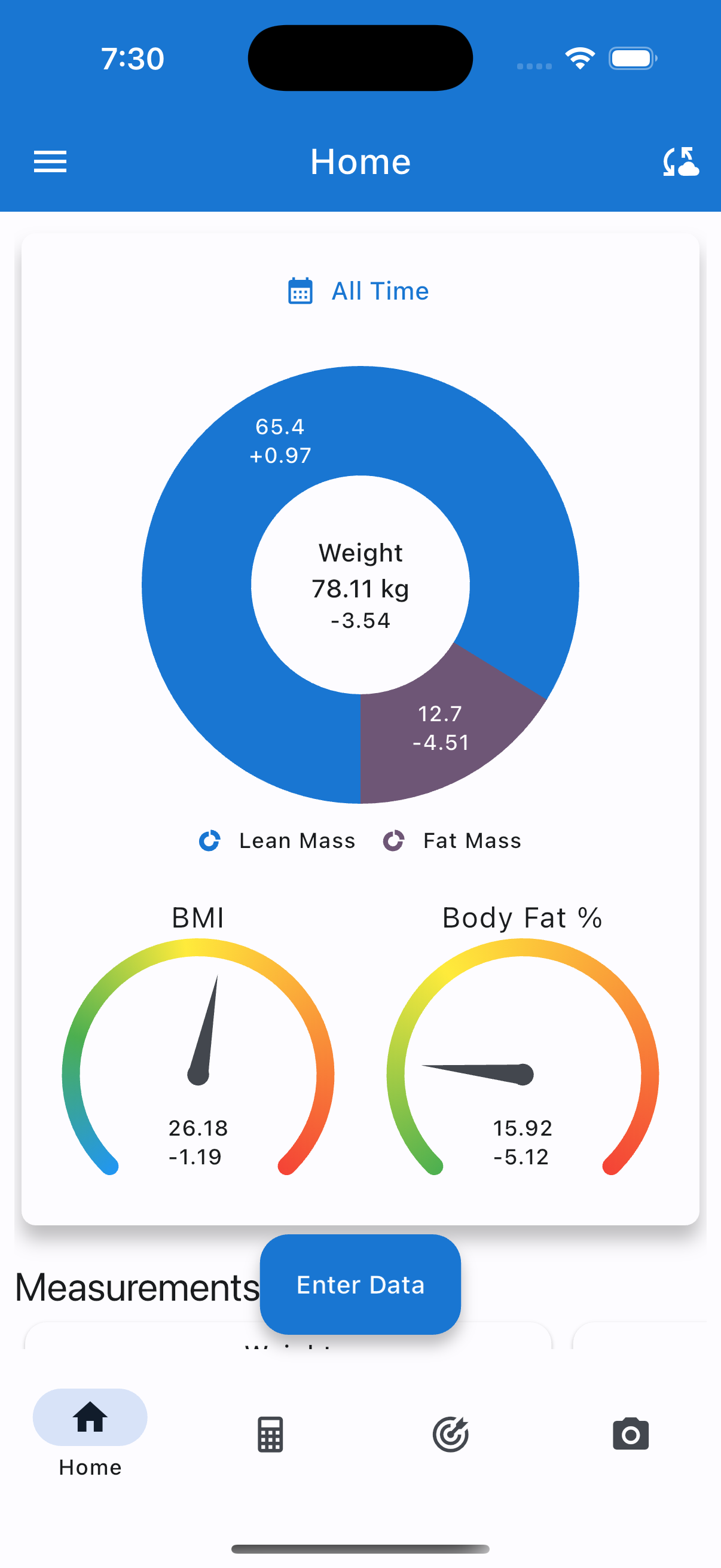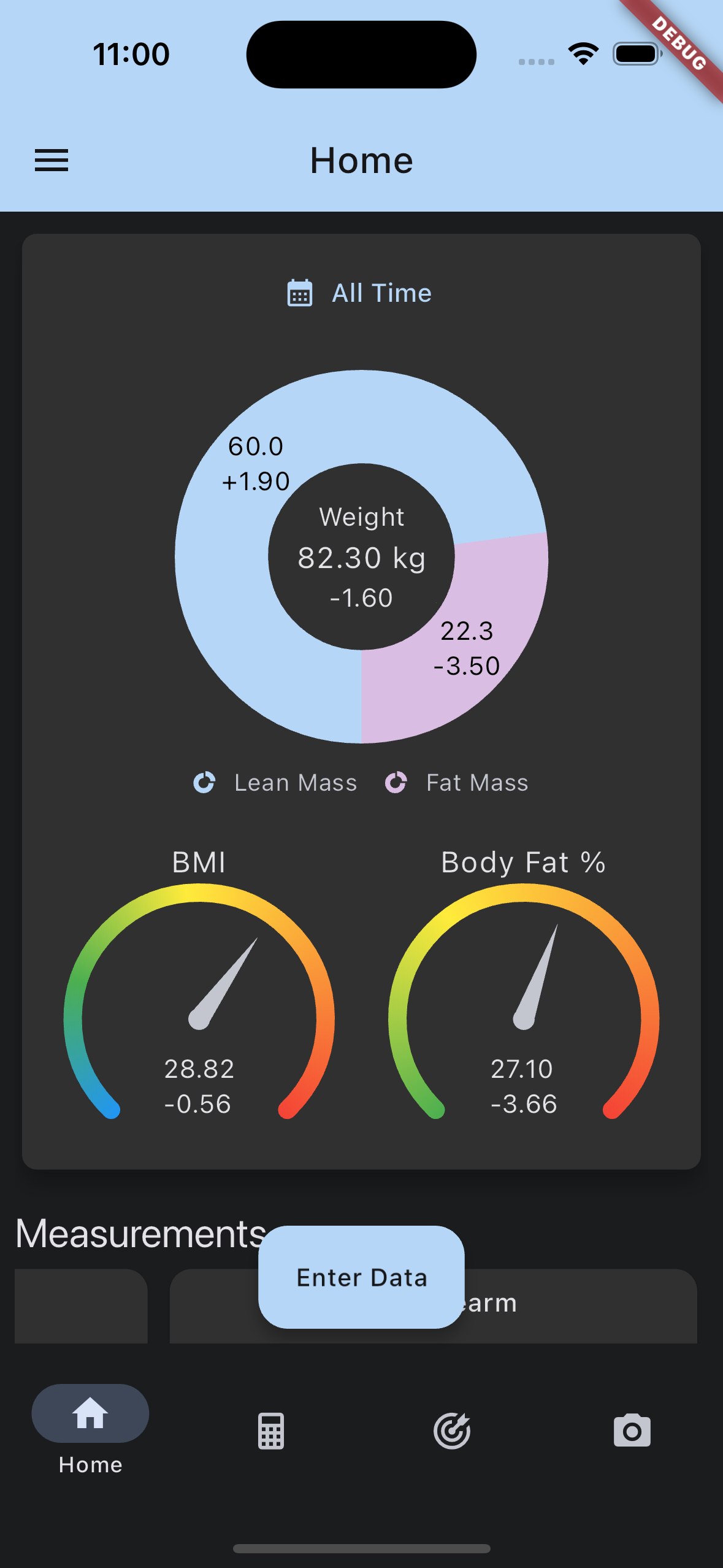
Body Measurement Tracker 5.0.15: Sync with Apple Health (iOS)

Bring your weight, height, and body fat together with the Apple Health ecosystem.

We’re excited to share that Body Measurement Tracker for iPhone now supports two-way sync with Apple Health (the data behind the Health app)—so your measurements can stay aligned with workouts, smart scales, and other apps you already use.

This is available in the same app release as our Android Health Connect launch: version 5.0.15. Update from the App Store when it appears for your region.

What you can sync

You control each category individually. When sync is on, the app can read and write:

  • Weight

  • Height

  • Body fat percentage

Log a measurement in Body Measurement Tracker and it can show up in Health; data from supported sources can flow into your charts and history here as well.

Body fat: you choose the source

For body fat % written to Apple Health, you pick how the app should derive it:

  • Manual entries

  • Navy method

  • Jackson calipers method

Readings that arrive from Apple Health are merged into your manual body fat track so imports stay consistent.

Built for how you actually use the app

  • Choose which profile syncs—great for families or multiple users on one device.

  • Decide how much history to include on the first sync (recent months or longer).

  • After you opt in, the app can refresh sync when you open it so things stay current without micromanaging.

How to get started

  1. Update Body Measurement Tracker to 5.0.15 on the App Store.

  2. On the home screen, open the Apple Health setup card (Gold subscribers).

  3. Select the profile that should sync, turn sync on, and approve the Health permissions iOS asks for.

  4. Adjust which data types sync and your body fat method if you want finer control.

What to know on iOS

  • Privacy is always in your hands: Apple only shares what you allow in Health access settings. You can change or revoke access anytime in Settings → Health → Data Access & Devices.

  • Edits in the Health app: Apple Health and our app may treat “what changed” slightly differently than on Android. In practice, if you delete something in the Health app, your Body Measurement Tracker history might still show the earlier imported value—we recommend treating the app as your primary log if you need one canonical timeline.

Android users

If you use Android, the same capability is available via Health Connect—see our companion post for that platform.

Body Measurement Tracker 5.0.15: Sync with Health Connect (Android)

Keep your weight, height, body fat, and BMR in sync with the rest of your Android health stack.

We’re happy to announce that Body Measurement Tracker for Android now integrates with Health Connect—Google’s modern way for fitness and health apps to share data safely and with your permission.

This ships in version 5.0.15 and is rolling out on Google Play.

What you can sync

When you turn sync on, the app can read and write these types with Health Connect (you control each one individually):

  • Weight

  • Height

  • Body fat percentage

  • Basal metabolic rate

That means entries you log in Body Measurement Tracker can show up in other apps that use Health Connect, and data from compatible apps and devices can flow into your tracker—so your charts and history stay closer to the full picture.

Body fat: you choose the source

For body fat %, you decide what the app should treat as the “source of truth” when writing to Health Connect:

  • Manual body fat entries

  • Navy method

  • Jackson calipers method

Body fat readings that arrive from Health Connect are merged into your manual body fat track, so imports stay predictable.

Built for real households (and real habits)

  • Pick which profile syncs—handy if you use multiple people on one device.

  • Choose how much history to include on the first sync (for example recent months or all time).

  • After you opt in, the app can sync in the background when you open it, so things stay up to date without fuss.

How to get started

  1. Update to 5.0.15+ from Google Play.

  2. Open the app and look for the Health Connect entry point on the home screen (Gold subscribers).

  3. Choose your profile, turn on sync, and grant permissions in Health Connect when prompted.

  4. Optionally fine-tune which data types sync and how body fat should be calculated.

Note: Health Connect requires a supported Android device with Health Connect available. If you don’t see the option, update Android and the Health Connect system component as needed.

iPhone users

Comparable Apple Health integration is coming to the iOS app soon. We’ll post again when it’s ready.

Body Measurement Tracker is Now Available on iOS

Body Measurement Tracker is now available on iOS!

We've rebuilt the app from the ground up for iOS with some great improvements:

✨ New Features:

  • Simplified onboarding - no login required (unless you want cloud sync)

  • Multiple user profiles

  • Refreshed, modern UI throughout

  • All the core tracking features you know and love

📋 What to Know (Beta Limitations):

  • Data migration: Android → iOS sync isn't available yet, but you can export/import your data manually in the meantime

  • In-app purchases to remove ads are coming soon

  • Tablet optimization is still in progress

Know someone waiting for the iOS version? Now's the perfect time to share!

If you’re looking to take your data from the Android app to the iOS app, you absolutely can, however it’s currently a manual process. If you click the button in the top right-hand corner of the screen on Android and then click Export Data, that will produce a file that can be imported into the iOS version of the app. Completely compatible sync is coming in the next few weeks.

Body Measurement Tracker is Now Available on iOS (Beta)

Body Measurement Tracker is now available for beta testing on iOS!

🔗 Join the beta program here

We've rebuilt the app from the ground up for iOS with some great improvements:

✨ New Features:

  • Simplified onboarding - no login required (unless you want cloud sync)

  • Multiple user profiles

  • Refreshed, modern UI throughout

  • All the core tracking features you know and love

📋 What to Know (Beta Limitations):

  • Data migration: Android → iOS sync isn't available yet, but you can export/import your data manually in the meantime

  • In-app purchases to remove ads are coming soon

  • Tablet optimization is still in progress

🐛 Help Us Improve:

This is a beta release, so you may encounter some bugs. Your feedback is incredibly valuable - please report any issues you find so we can make the app even better!

Know someone waiting for the iOS version? Now's the perfect time to share!

Thanks for being part of our beta testing community!

Why I decided to remove the Google Fit integration from Body Measurement Tracker

Hi, I’m Daniel.  I developed Body Measurement Tracker as a hobby and released it on Google Play in 2015.  I continue to maintain the project as a hobby alongside my day job of Android development.  A couple years ago, after several users requested the feature, I decided to integrate Google Fit into the app.  I originally had the expectation that Google Fit would allow you to import any body measurement of your choosing, but, unfortunately, I was only able to incorporate Weight and Calorie Consumption/Expenditure.  Frankly, I’ve never been happy with the feature.  It doesn’t have all the features I had envisioned because of limitations of the platform.  It has bugs, and just overall isn’t that useful.  

Google recently announced some updates to the security requirements for apps that access sensitive scopes of data from Google Fit.  I fully support Google’s plan to further protect user’s sensitive health data.  However, the process is now going to require a third-party security assessment which is estimated to cost $10,000-75,000, the lower boundary of which is more revenue than the app generates in a year.  Therefore, I’ve decided to simply remove the feature from the application.  

If you have made the in-app purchase for the Google Fit integration at any time since it was introduced and are either upset to see it go or just not satisfied with the feature, please contact me through the app (there’s an Email Developer button in the app navigation menu), and I will issue you a full refund.  

Any data that you have exported to Google Fit will remain, and any data imported from it will remain in Body Measurement tracker as well.

Body Measurement Tracker Version 1.9.2 Released!

The latest version of Body Measurement Tracker includes two exciting new features:

  • Data Export/Import - users can now export their measurement data to Google Drive for their own analysis and for future import into another device!  
  • Custom Measurements - users can now create their own custom measurements and start tracking whatever data is of interest to them!

Download the latest version on Google Play and Amazon.

GYMer version 2.7.3 Released!

GYMer version 2.7.3 has been released and features several bug fixes and user interface improvements.  

If you have any complaints to suggestions about the app, please leave a comment below. 

If you like the app, don't forget to follow us on social and leave a review on the Play Store if you haven't already:

Follow us on twitter: @GYMerApp https://twitter.com/GYMerApp
Like us on Facebook: https://www.facebook.com/GYMerApp
Visit our Google + page. 

Version 1.8.2 of Body Measurement Tracker Released

Body Measurement Tracker 1.8.2 includes several minor bug fixes, as well as a much improved picture interface (for those all important progress photos), and a much improved user interface!  As always the application is designed with ease of use in mind so that you can enter your target body measurements in record time.  Be sure to keep the application up to date for all of these new features! 


Upcoming Releases:

  • Custom Fields:  Several users have requested the addition of custom fields so that other elements may be tracked, such as blood pressure.  If you concur or have a similar suggestion of your own, please feel free to leave a comment below.  
  • Automatic BMI Calculation:  Automatic calculation of the BMI based on Height and Weight is coming in a future release.  

Random Workout Generator 1.0 Released

Random Workout Generator has been released on Google Play and on Amazon.  

The app generates Cardio, Kettlebell and Weightlifting routines automatically based on the user's input.  The app also guides the user through the workout and allows them to keep track of the weight used and reps achieved.  Workouts can be named and replicated at a later date.  The app includes an interval timer and automatically tracks the time spent working out as well as an estimate of the calories burned during the workout.